 PocaPal



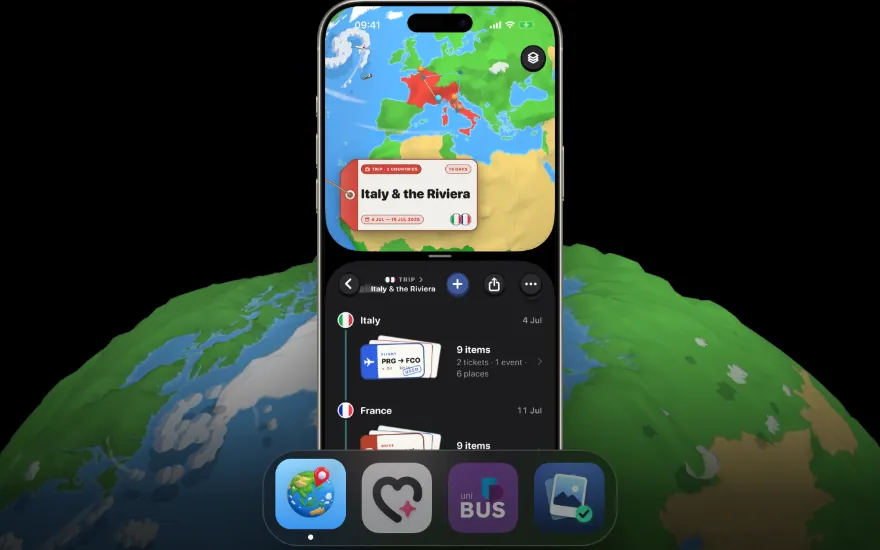




PocaPal for iPhone, iPad and Mac
Your K-pop collection.
All in one place.
Photocards, albums, lightsticks and every show you've been to. Scan them in, find any card in seconds, and watch your arena fill up as your collection grows.

Free No sign-up Syncs with iCloud

Your arena
Every item
lights a seat.
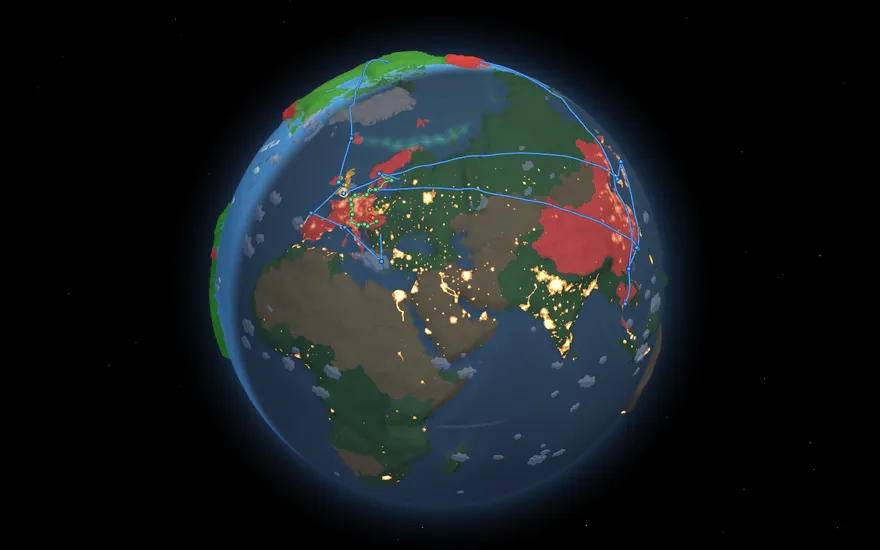
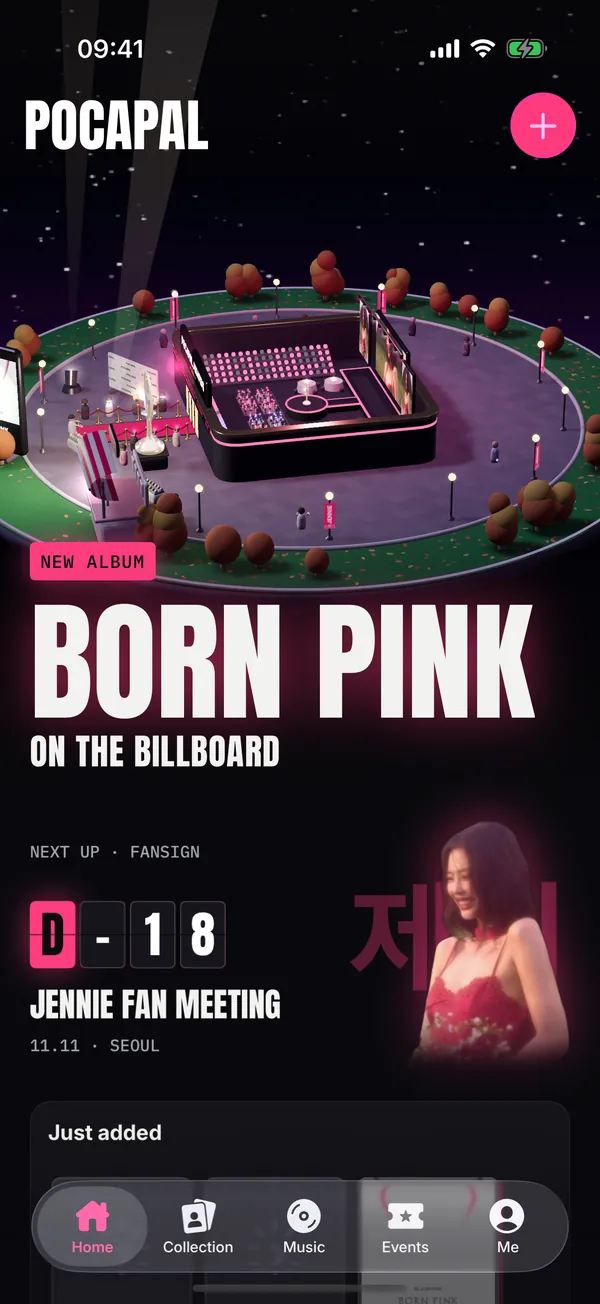
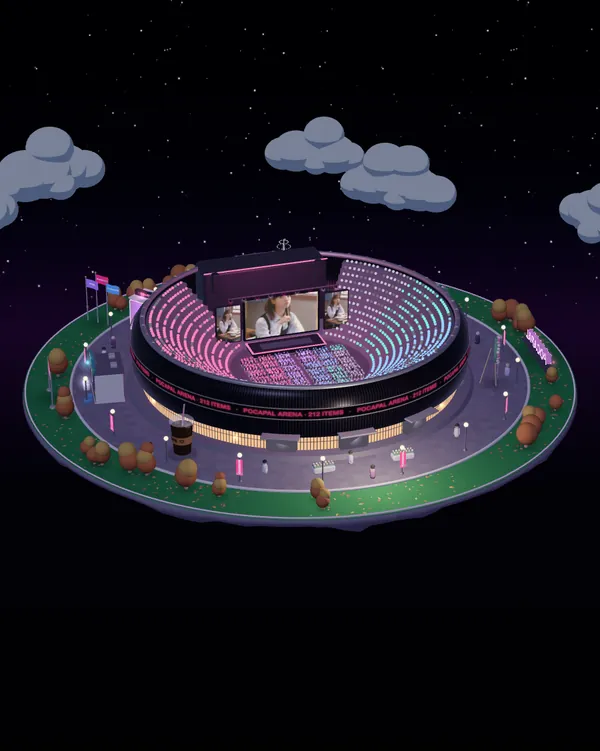
PocaPal builds a venue out of your collection. Each card, album and lightstick you own lights one seat in its group's colour, in the order you got them. Sell out a venue and the next one opens.

-
Sell it out, move up
From an award show with 25 seats to a concert hall, an arena, a dome, a stadium and a festival ground.
-
Make the plaza yours
Set out flower and rice wreaths, slogan banners, a street food tent, a coin noraebang, a convenience store and more.
-
The show, on the day
On the day of an event you're going to, the show plays in your arena. After it, your photos from the day are waiting.
-
Send it as a link
Anyone you send it to can look round your arena, every venue and everything on its plaza, in their browser.
Everything you collect
A place for everything
you collect.
-
Photocards
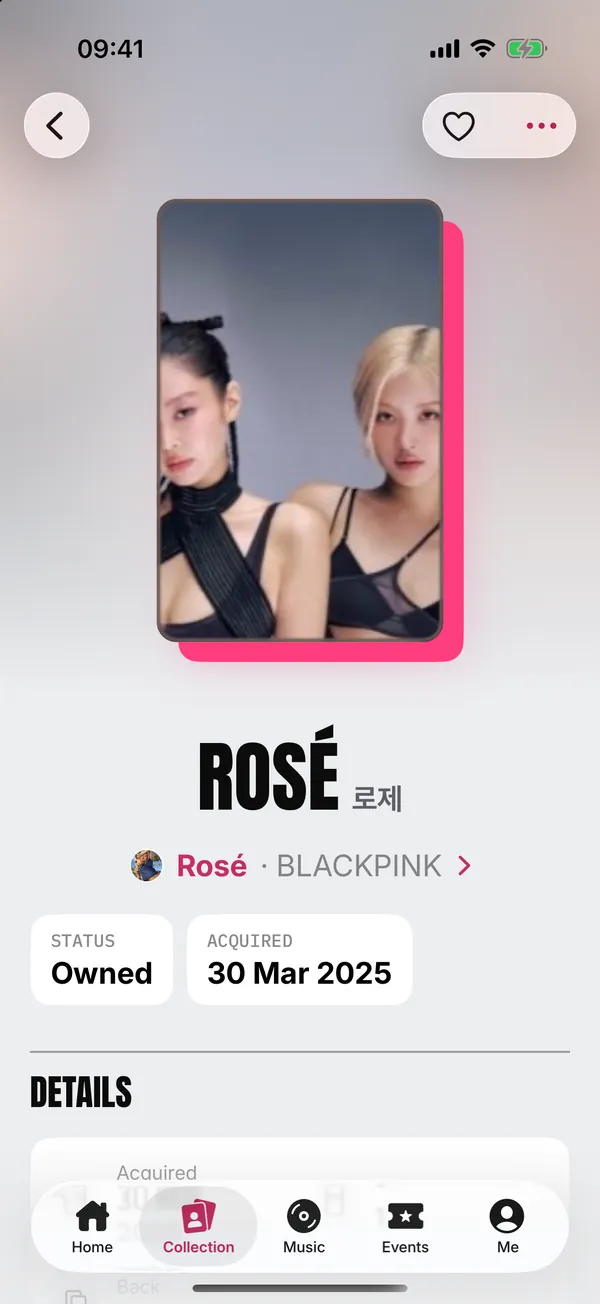
Every card with its front and back, turned over in 3D, filed by group and member.
Photocards
Every card, front and back.
- Turn any card over in 3D to see its back, with a drag or a tap.
- Batch Scan Cards finds every card in one photo of a pile or a binder page and pairs fronts with backs. The first batch is free.
- Gather cards into sets, with a place kept for each one you still want, and see how close each set is to done.
- Keep cards in photobooks you page through, four to a page or one.
- Design a card’s back with stickers, words and your own pictures, and give it a gold or glitter finish, with the Fanclub.
- Put spares up for trade, and find the cards you have twice.
-
Albums
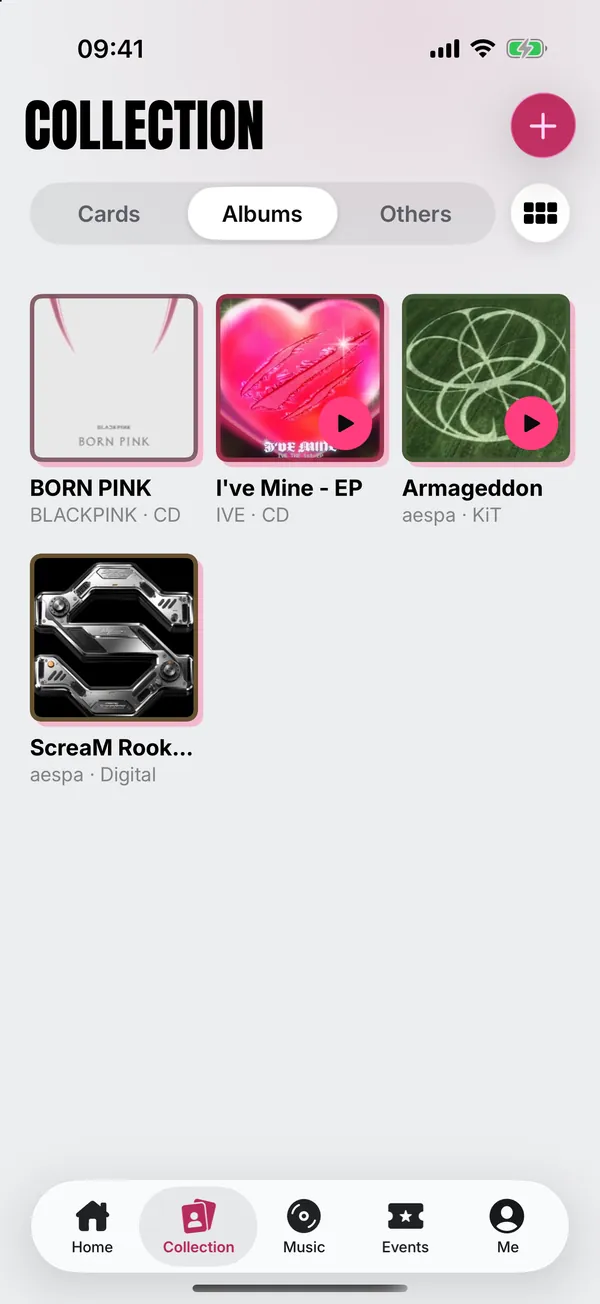
Every version you own and its format, with a play key where it is on Apple Music.
Albums
Every version, every format.
- Keep every version you own with its formats: CD, vinyl, digipack, kit.
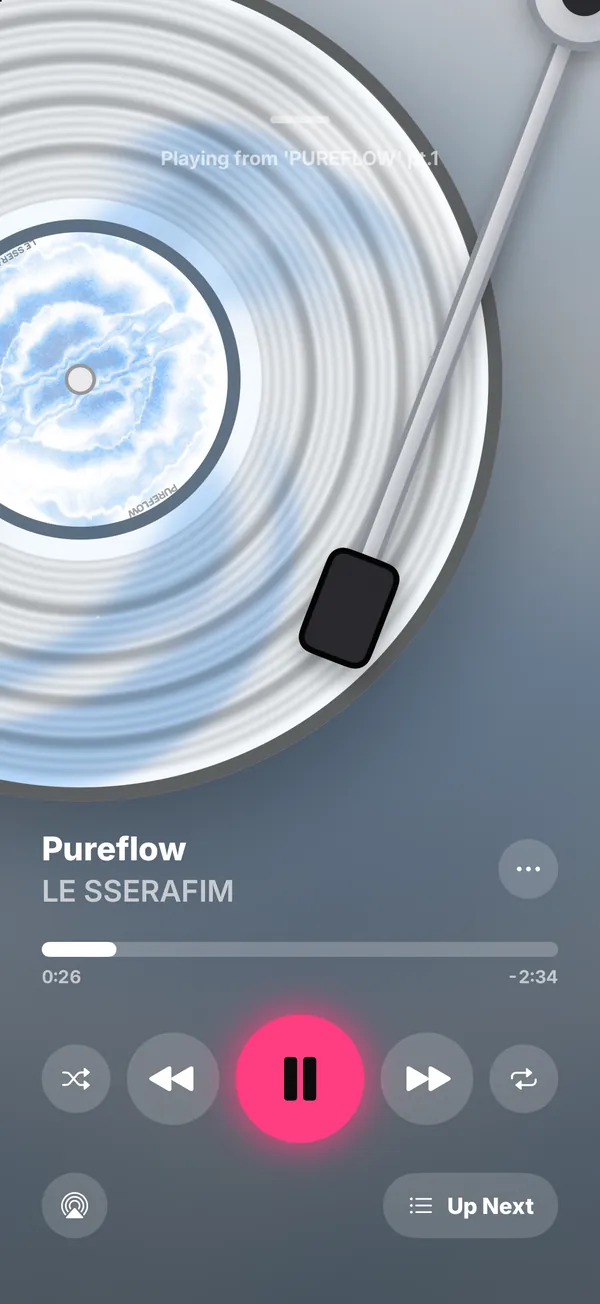
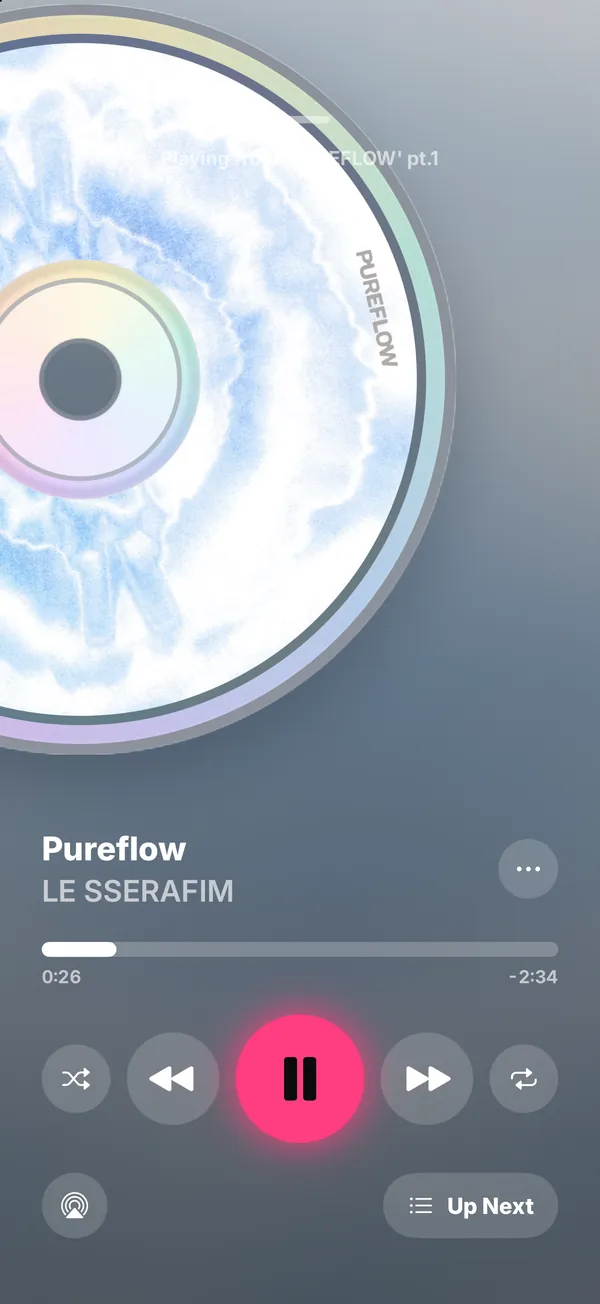
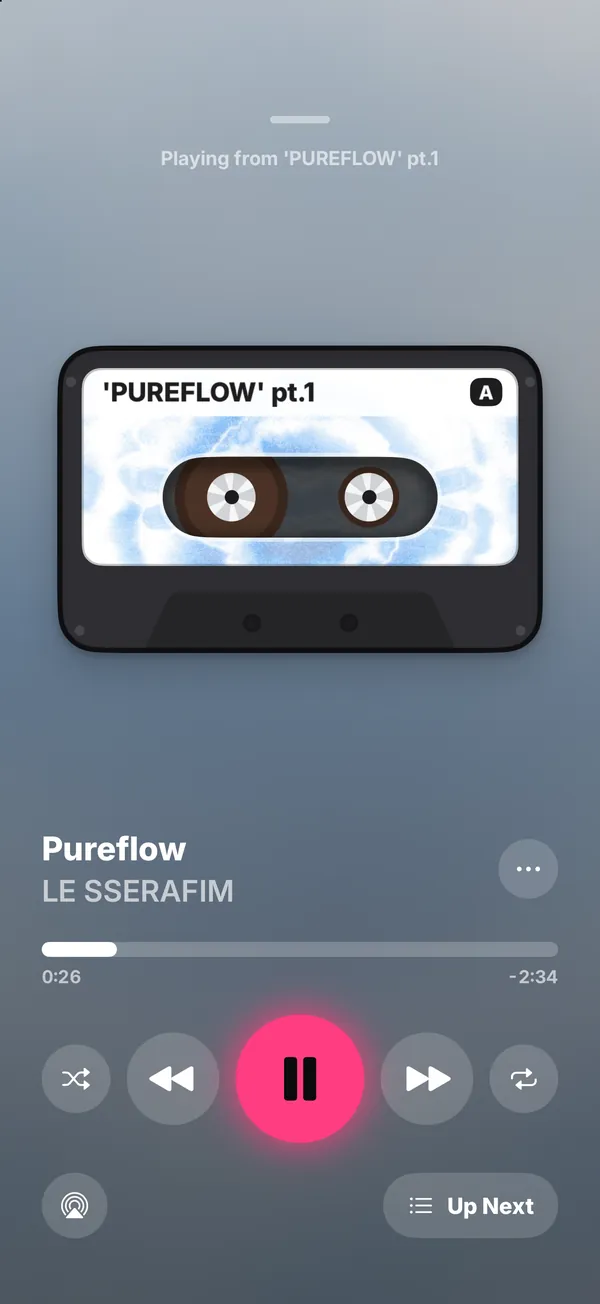
- Link an album to Apple Music and play it from your shelf: on a record, a CD or a cassette with the Fanclub, or on its own art.
- Add an album only to listen to it, kept out of your collection and your numbers.
- See new releases from the artists you follow, and set a bell for the day one lands.
- Keep a wishlist, and a list of the albums you have twice.
-
Lightsticks and more
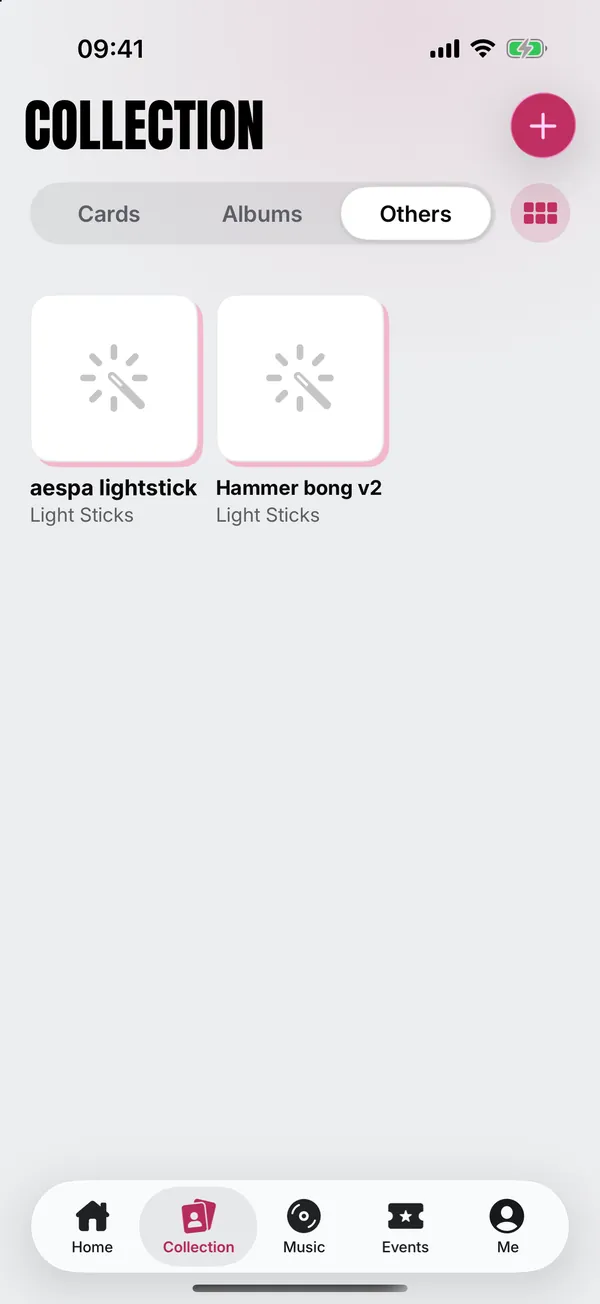
Lightsticks, posters, plushies and anything else, in categories you make.
Lightsticks and more
A place for everything else.
- Make your own categories, each with its own icon: lightsticks, posters, plushies, anything.
- Photograph a thing and PocaPal lifts it off its background, so it stands in its cubby at its own shape.
- Note where each thing came from and what you paid.
- Needs details lists anything missing a photo, a price or who is on it, and fills them in one at a time.
-
Events
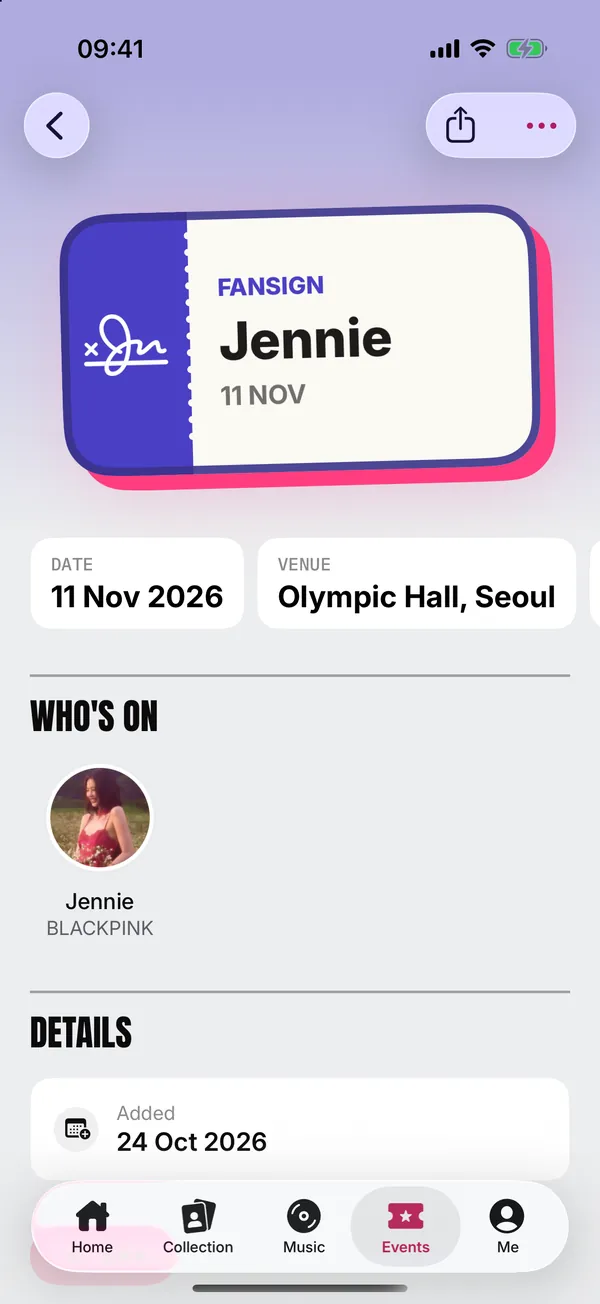
Concerts, fansigns and pop-ups, each with its ticket, your seat and who was on.
Events
Every show you’ve been to.
- Every event prints as a ticket in the colour of its kind, stamped USED once you’ve been.
- See your events on a calendar beside birthdays, comebacks and anniversaries.
- PocaPal finds your photos from the day by when and where you were.
- Keep what you brought home with the event it came from.
- On the day, a Live Activity counts down to the doors, with the Fanclub.
- Link an event with Peregrino, and both apps keep its details in step.
-
Playlists
Mixtapes of the songs you love, played on PocaPal's own player.
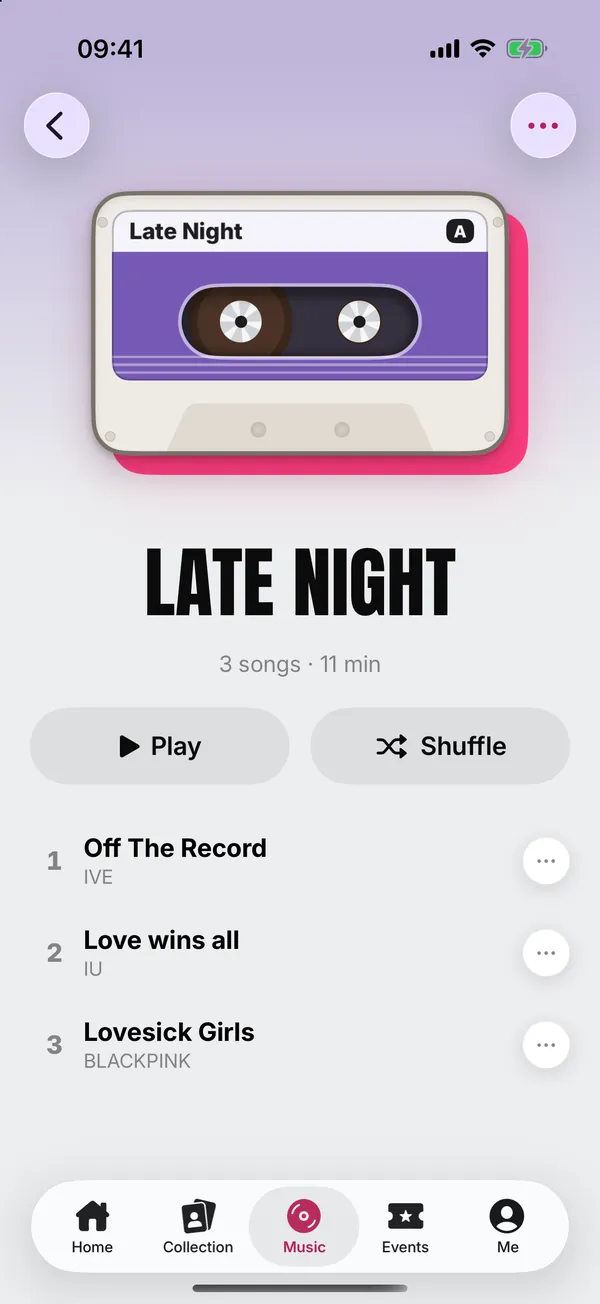
Playlists
Mixtapes of your own.
- Every playlist is a cassette, its label in a colour you pick.
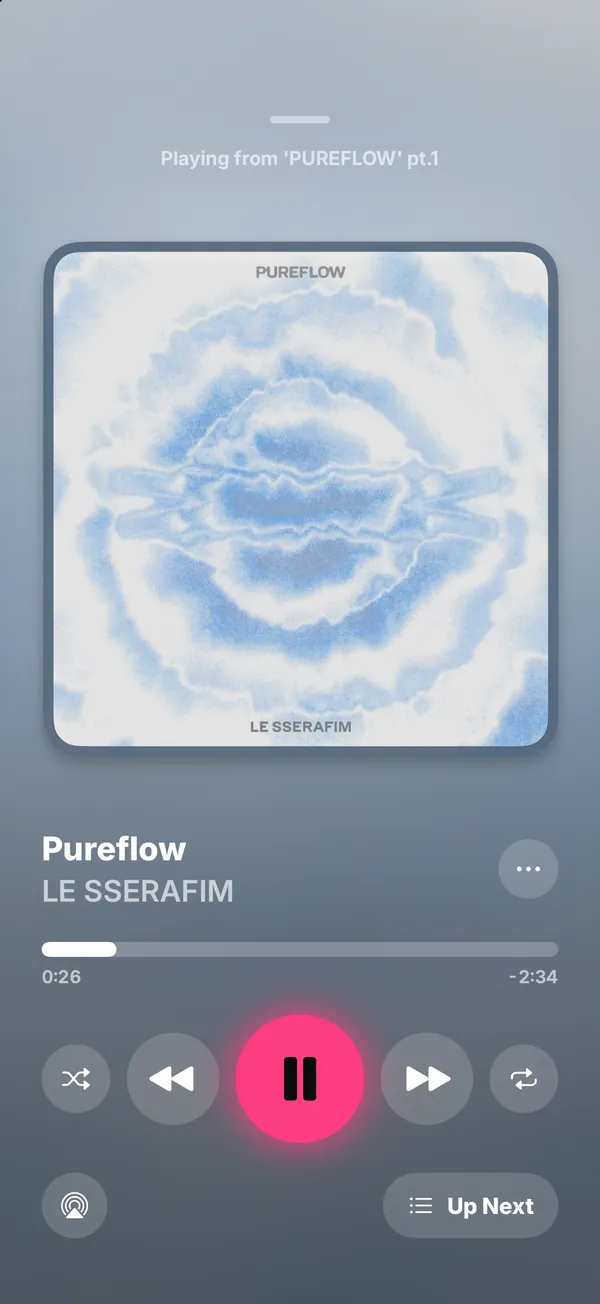
- Play it on PocaPal’s own player, with an Up Next you can reorder.
- Add any song from Apple Music to a playlist from its menu.
- Save a playlist to Apple Music, or send it as a link.


Photocards
Pick it up.
Turn it over.
Every card is a 3D object you turn with a finger. Give it the finish the real one has, holo, glitter or gold, or design a back of your own with stickers, words and photos.

 CHAEWON
AMSTERDAM · 2025
Events
Count down
to every show.
Add your tickets and PocaPal counts down to each one, with birthdays, comebacks and anniversaries from the artists you follow on the calendar. On the day, a Live Activity counts down to the doors. The day after, the photos you took there are waiting.

Music
Play the albums
you own.
Link an album to Apple Music and press play. The record turns, the CD spins or the tape's reels go round, matched to the copy on your shelf. Your playlists are mixtapes, and Up Next is yours to arrange.
Korean
Learn Korean
one word at a time.
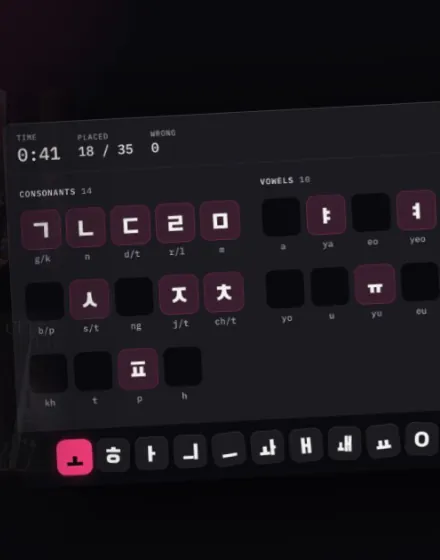
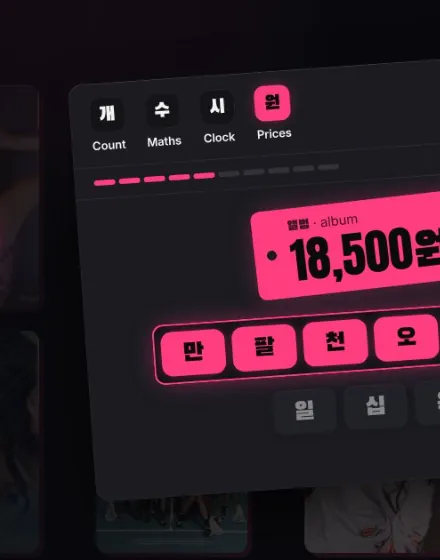
A word on your widgets that changes as often as you choose. Hear it said, see it in a sentence, and tap Know or Don't Know: PocaPal brings each word back just before you'd forget it.
- About 1,430 words in 27 decks by topic and level, from Hangul to fan phrases.
- Spaced repetition (FSRS) times every word you're learning.
- Test into the next level for its sticker and things to place in your arena.
- Bring your own words from a CSV.

Collection
Scan a stack.
Find any card.
Lay out a haul and scan it once. PocaPal finds every card, crops its front and back and pairs them up. Then sort them into sets and binders, and find any card by group, member or album in a couple of taps.

Every little thing.
Thought through.
-
Fanclub
A home page for each bias.
Each with its own colour, its own widgets and your bias on it.
-
Know what you're hunting.
Sets that say 3 of 4, a wishlist, your duplicates and a trade list.
-
Binders you can page through.
Fill photobooks pocket by pocket, then turn the pages.
-
Widgets, your way.
Countdowns, birthdays, the card of the day and the set nearest done, on Home and Me.
-
Fanclub
On your Home Screen.
Widgets for what's coming up and your card of the day, and a Live Activity on show day.
-
Posters, magazines and links.
Turn a card, an event or your arena into a poster, or send it as a link.
-
Seollal, Chuseok and more.
Your plaza dresses up for Korea's holidays, with a sticker to earn for each.
-
Every artist, on file.
Your groups and idols, with their members, history and top songs.
-
On all your devices.
Synced through your own iCloud, on iPhone, iPad and Mac.















PocaPal
Start your collection.
Free on the App Store, for iPhone, iPad and Mac.
Free No sign-up Syncs with iCloud
Questions. Answered.
Yes. Download it and collect as much as you like. The Fanclub adds extras like batch scan, statistics, card effects and the vinyl, CD and cassette players, as a one-time purchase. There's no subscription.
A venue built from your collection. Every card, album and thing you own lights one seat, in the order you got them. It starts as an award show with 25 seats and moves up as you collect, all the way to a festival ground. You can set things out on its plaza and send it to friends as a link.
Tap Add, then scan a card with your camera or pick its photos. PocaPal finds the edges and crops the front and back for you. Pick who's on it and it's filed. Fanclub members can scan a whole stack in one go, and everyone gets one free go.
No. Albums and events have places of their own, and so does everything else, from lightsticks to posters, in categories you make. You choose what you collect, and PocaPal shows only that.
Only to play your albums. PocaPal finds them in the Apple Music catalogue, and playback uses your Apple Music subscription. Everything else works without one.
Yes. PocaPal runs on iPhone, iPad and Mac, and your collection syncs between them through iCloud. A Fanclub membership covers all your devices.
No. PocaPal is made independently, and it isn't affiliated with any artist, label or agency.
PocaPal Fanclub
Pay once.
Yours for good.
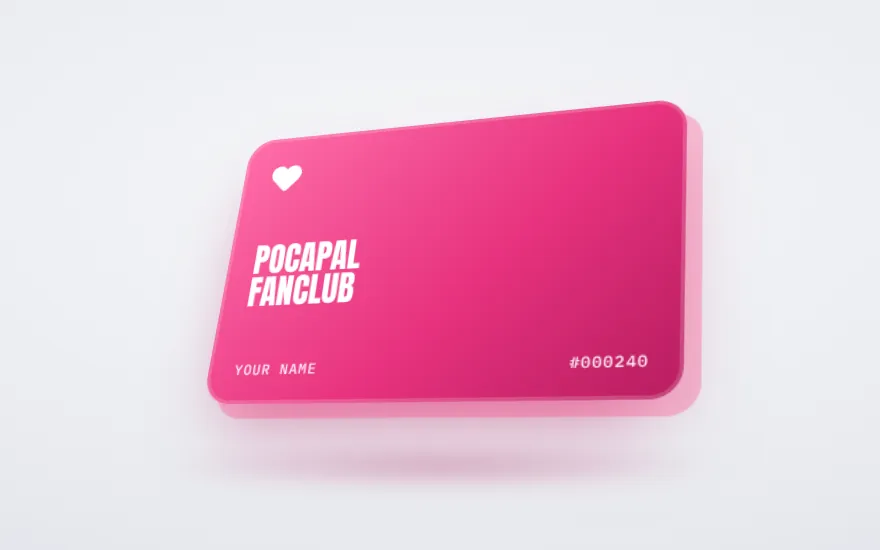
PocaPal is free to download and free to collect in. Join the Fanclub for every extra, on all your devices, with a membership card in your name. It's a one-time purchase with no subscription, and the App Store shows the price where you are.
- Batch scanScan a stack of cards in one go.
- Card effectsHolo, glitter and gold that catch the light.
- Custom designsCard backs, covers and mood boards.
- Home pagesA home page for each of your artists.
- Vinyl, CD and cassette playersYour albums as a record, a CD or a cassette.
- Collection statisticsGrowth, spending and value over time.
- Home Screen widgetsYour collection on your Home and Lock Screens.
- Links for anyoneShare a link anybody can open, on the web too.
- Unlimited photobooksArrange cards into pages you can turn.
- Unlimited categoriesA category for everything you collect.
- Story videosShare a card turning round as a story.